Catalog
The list of dishes Roman compares. The catalog has two tabs: Dishes (this page) and Baskets.
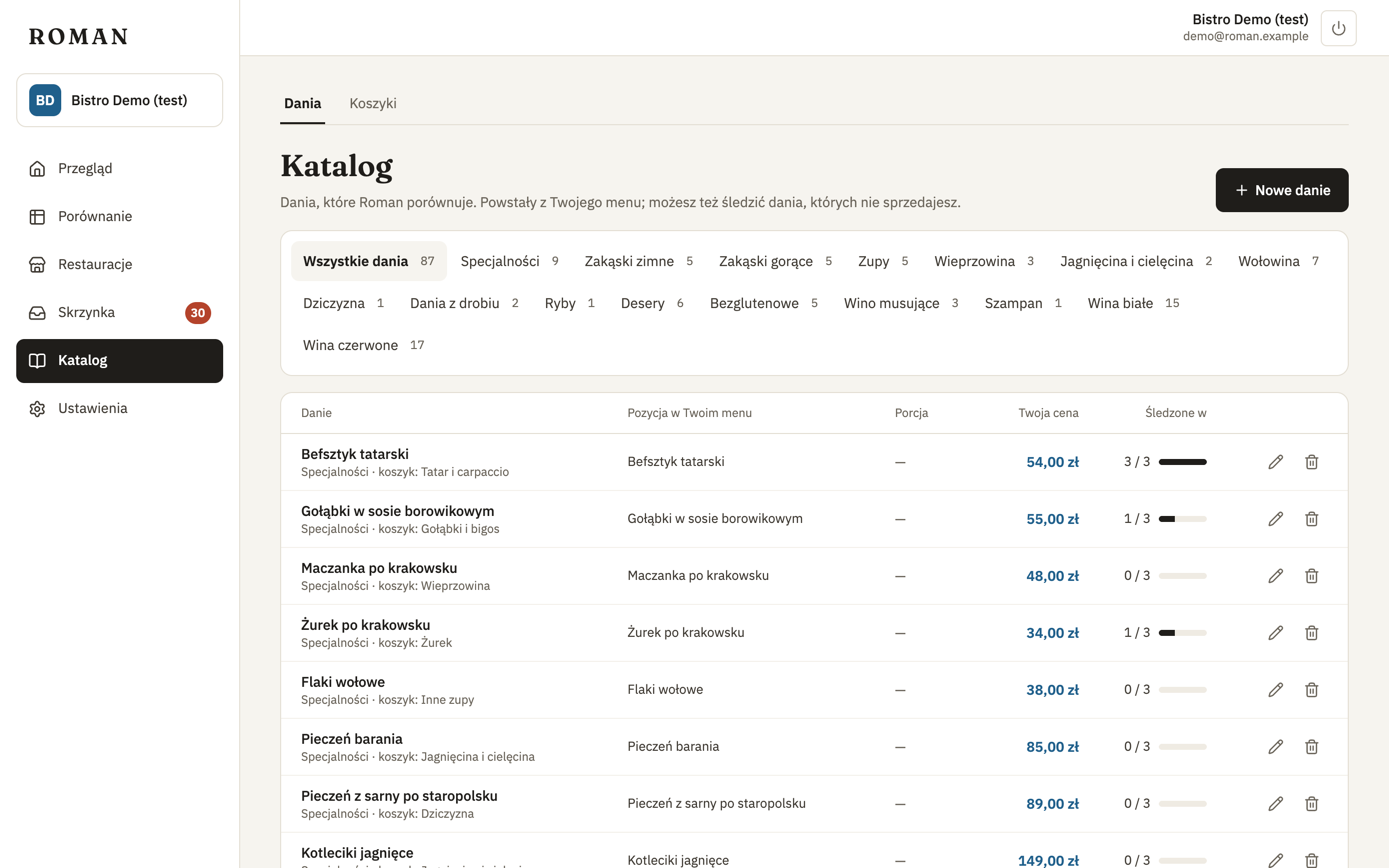
For each dish: the name for comparing, your menu's section and the basket, the item on your menu, portion, your price and at how many competitors the dish is tracked. Above the table you can narrow the list to a section of your menu or to dishes Not on your menu.
Changes
- New dish — add a dish to compare. It can be one you don't sell — then you see competitors' prices without yours.
- Rename — fix the name for comparing, e.g. when Roman matches too few or too many items to the dish.
- Delete — delete the dish with its prices (after you confirm).
After every change, Roman matches the menus again in the background; new matches show up in a minute or two. Your earlier decisions — from the inbox and "Not this dish" — stay.
You can have as many dishes as your license includes (usually 300).