Invite and sign-in
Roman is invite-only: there's no public sign-up, and nothing is sent by email. You get an invite link from us (when we set up your organization) or from an Owner of your organization (roles).
Setting your password
Open the link and set a password of at least 10 characters. If you already have a Roman account, you don't set a new password: you join another organization instead. The link works once and expires after 7 days; if it has expired, ask for a new one.
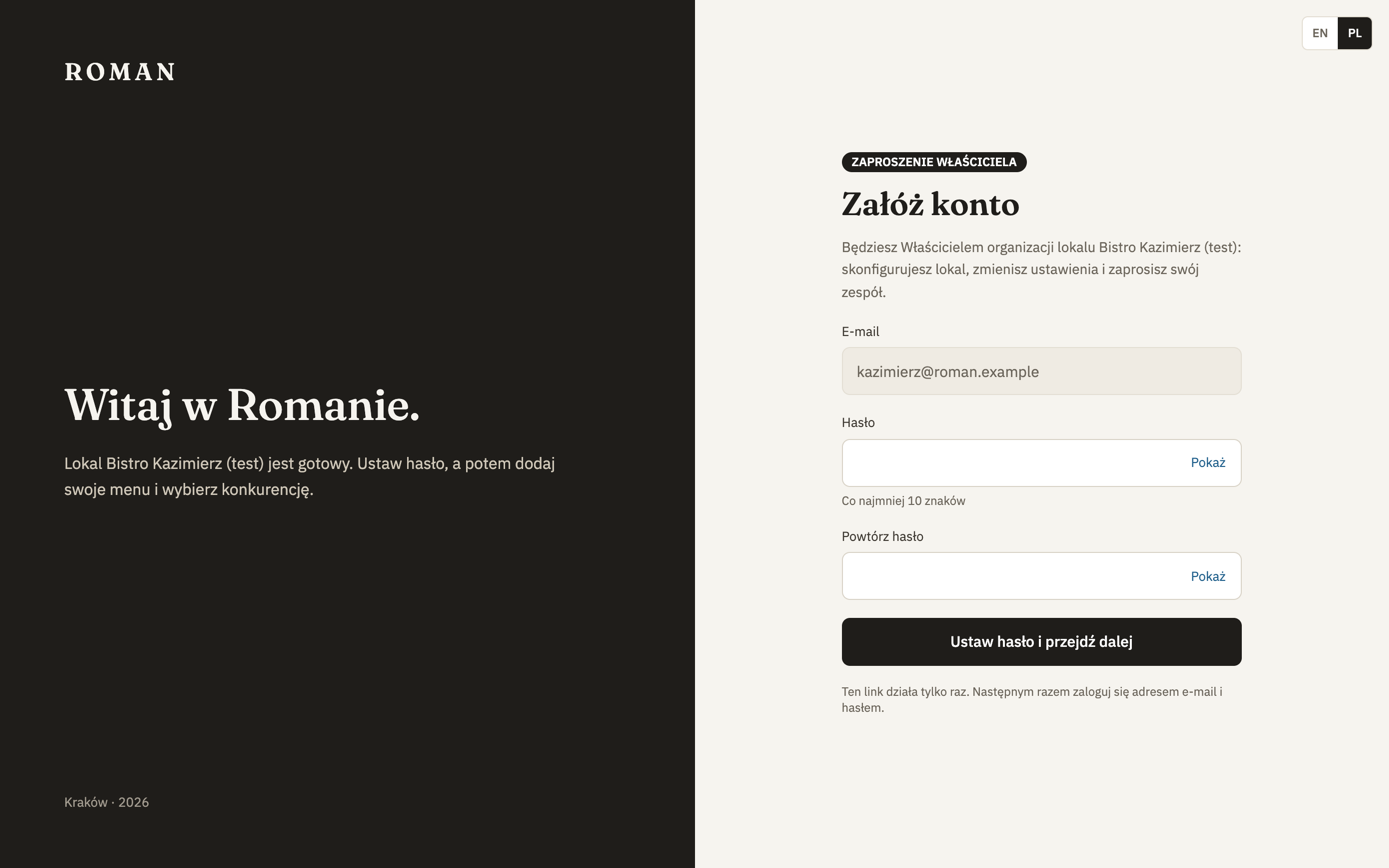
If your location isn't set up yet, an Owner goes straight to setup, and a Manager or View-only member sees a message that the Owner is still setting it up. From there they can switch location or sign out.
Signing in
After that, you sign in with your email and password. After several wrong attempts, sign-in is locked for a while — wait the time shown and try again. Roman opens the location you were in last; open others with the switcher.
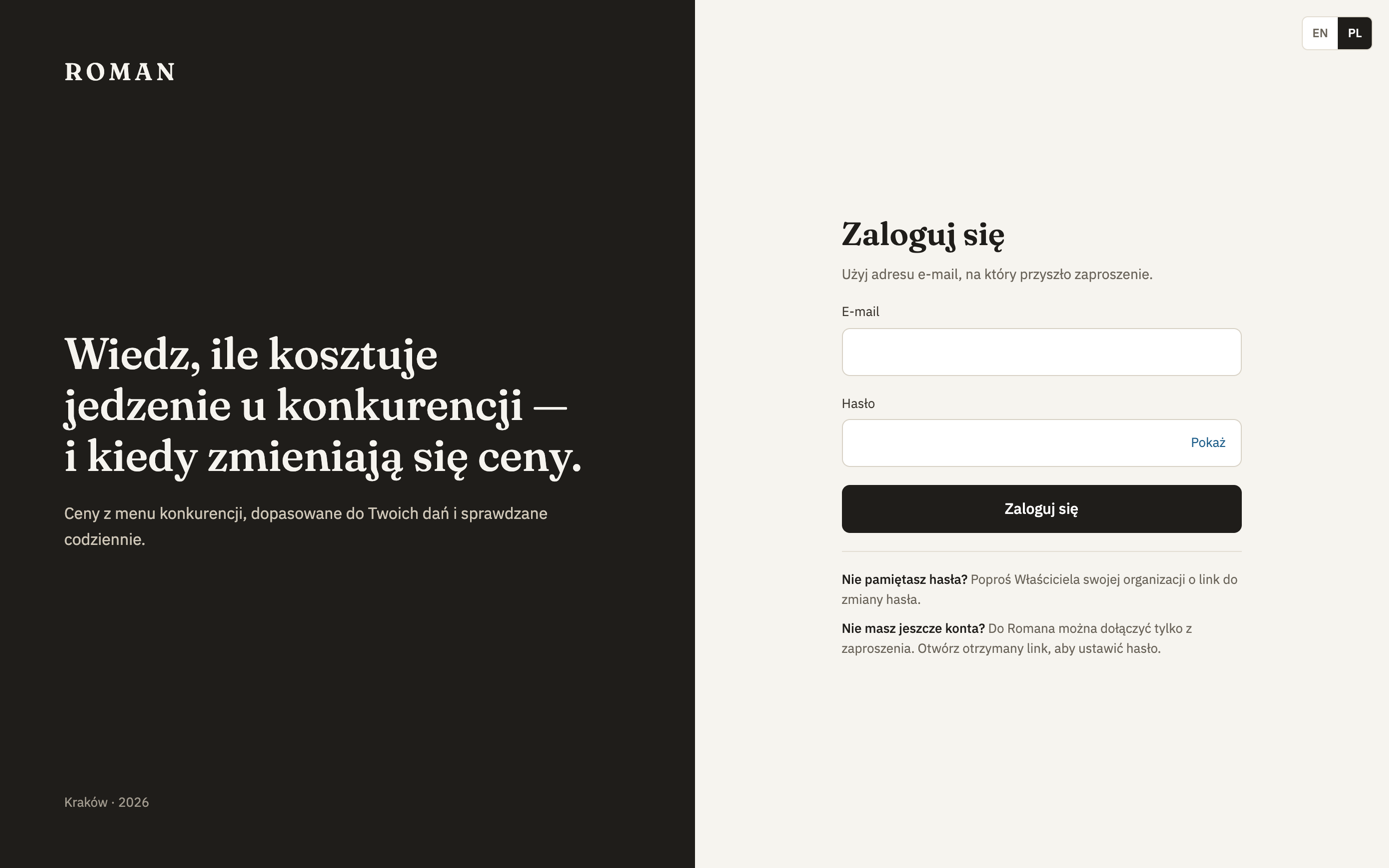
If your organization's license ended more than 14 days ago, or its access is turned off, signing in fails — see License.
Forgot your password? Ask an Owner of your organization (or us, if you're its only Owner) for a password reset link. It works once, for 24 hours; when you use it, your other devices are signed out.
Language
The sign-in page, the invite page and setup have a language switch (EN | PL). Later you change it in Settings, on the Your account card. The choice is remembered in your browser.
The screenshots in these docs show the Polish version of the app.