Step 3: Baskets
Baskets group similar menu items so you can compare whole groups: your desserts against the market's desserts, your pizza against the competitors' pizza. Setup can't be finished without them.
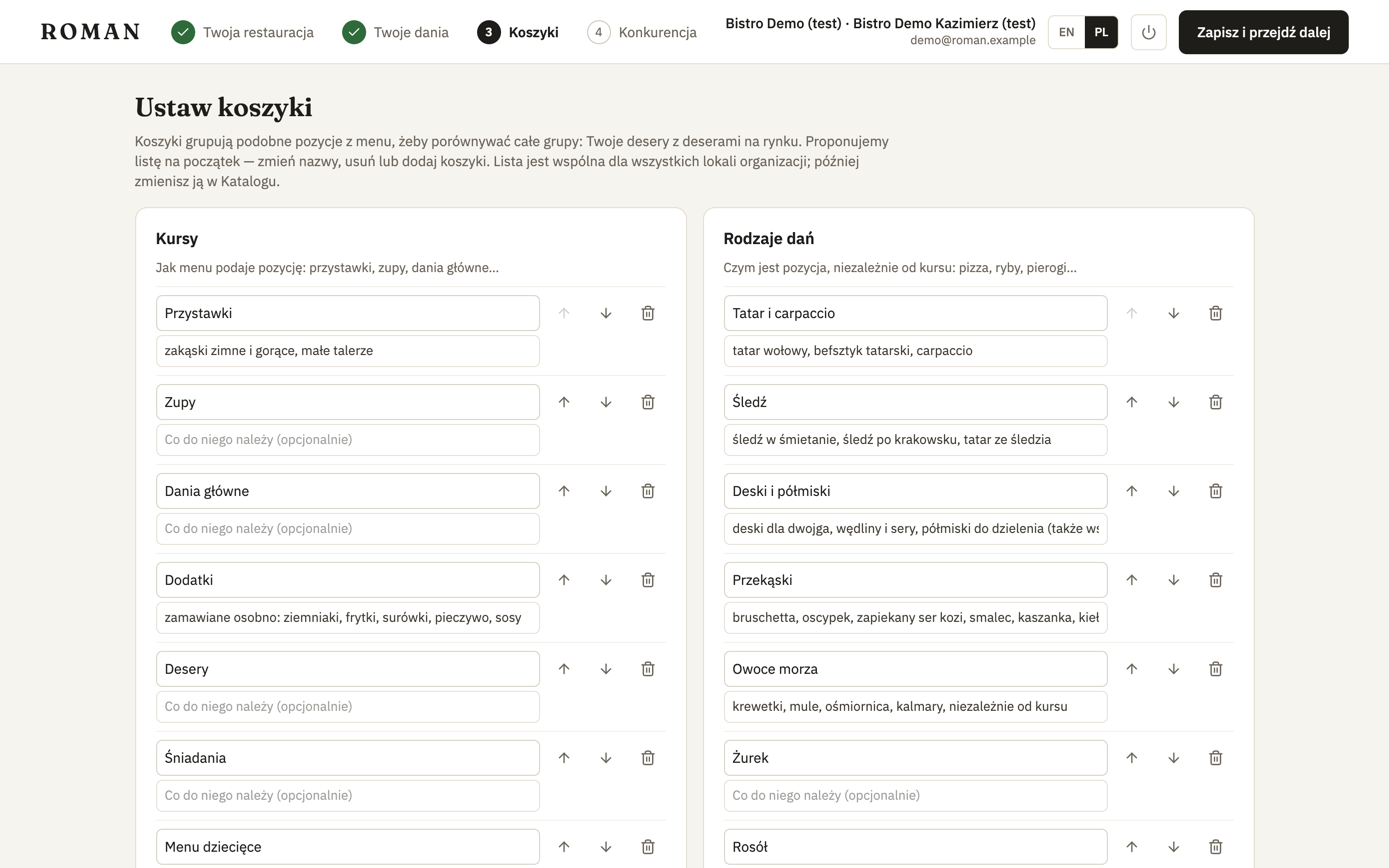
Roman suggests a list to start with, in the setup language: 10 courses (starters, soups, mains…) and 51 kinds of dishes (pizza, fish, pierogi…). You can change it right away:
- rename a basket or change its description — the description says what belongs in it, e.g. "margherita, calzone";
- the arrows change the order, the bin removes a basket, Add a basket adds one.
Click Save and continue.
Baskets are shared by your whole organization, so you set them up once, with the first location. For later locations this step shows the saved list and can be skipped. You can change the baskets later in the Catalog, on the Baskets tab.